
Download Helicon Photo Safe – photo safe, photo organizer, photo management, image cataloging, photo backup, secure photo storage, digital photo archive
Overview
Helicon Photo Safe is a productivity-focused application designed to streamline the management of digital photo collections. It addresses the common challenges of disorganized image libraries by offering tools for tagging, categorizing, and securing photographs. The app is particularly useful for both amateur and professional photographers who require efficient access to their visual content without compromising privacy. Its core functionality revolves around creating a structured, searchable, and protected digital archive, reducing the time spent searching for specific images and minimizing the risk of data loss.
The software enables users to organize photos using metadata such as tags, locations, and ratings, which facilitates quick retrieval and efficient workflow management. Real-world use cases include personal photo archiving, professional portfolio management, and secure storage of sensitive or private images. By integrating privacy controls and backup capabilities, Helicon Photo Safe supports long-term preservation of digital memories. The app contributes meaningfully to the digital productivity ecosystem by combining organizational tools with security features, making it a valuable asset for anyone managing large volumes of image data.
Developed by Helicon Software, the application has been available since 2015, indicating a stable presence in the photo management space. Although the developer did not provide additional technical details about their background or development philosophy, the app’s consistent feature set suggests a focused approach to solving core user pain points in image organization and protection.
Key Features & Functionality
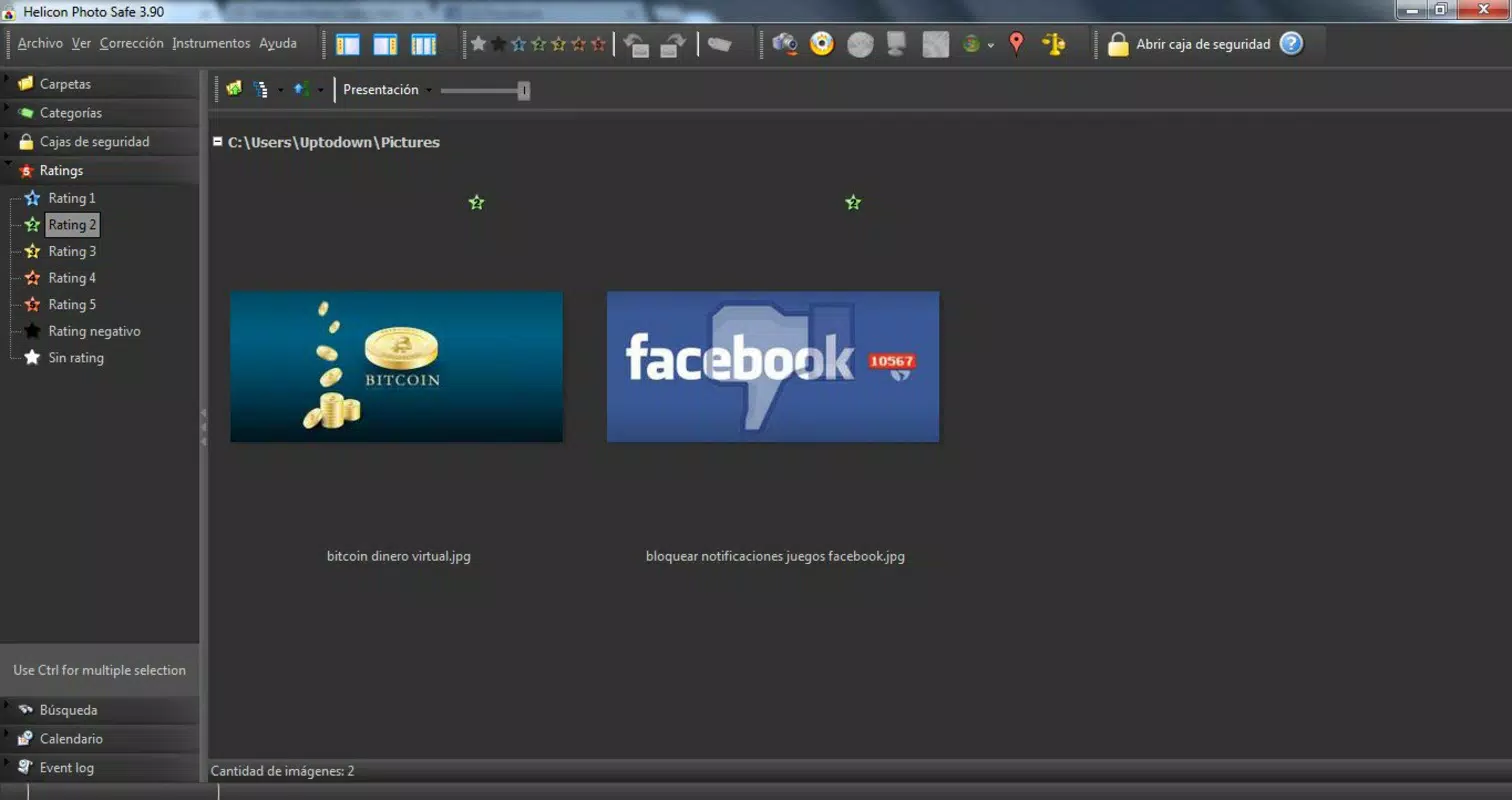
- Efficient Photo Organization: Users can assign custom tags, locations, and star ratings to images, enabling fast and precise searches. This structured approach ensures that photos are not lost in folders and can be retrieved based on context, event, or quality.
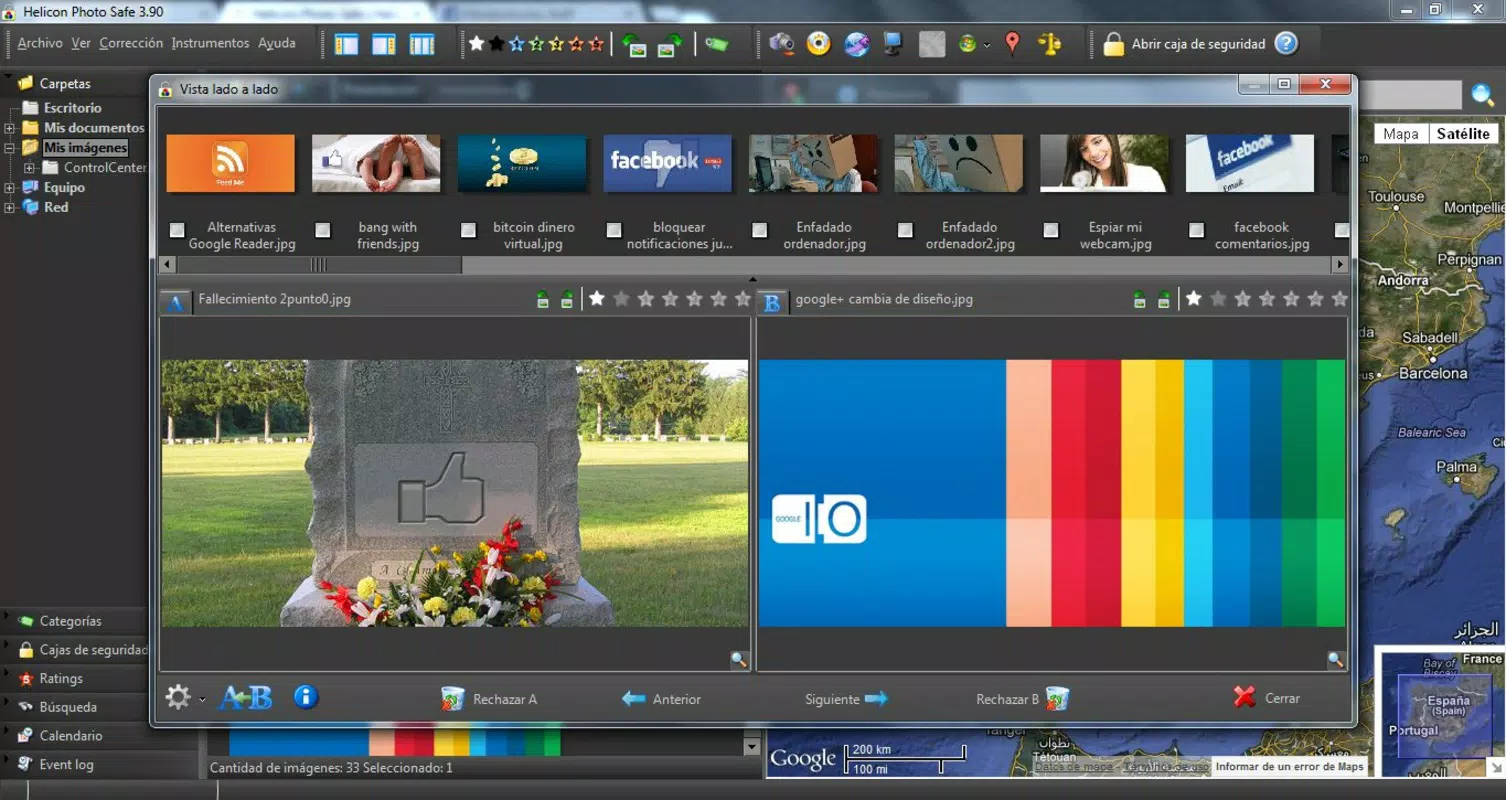
- Thumbnail Navigation & Slideshow Creation: The built-in photo explorer displays images in multiple thumbnail sizes, allowing users to browse large collections with ease. Slideshows can be generated with minimal effort, supporting dynamic playback for personal enjoyment or presentations.
- Social Media Integration: Photos can be uploaded directly to social networks without switching applications. This streamlines the sharing process, allowing users to publish images quickly while maintaining metadata integrity.
- Advanced Privacy Controls: Images can be stored in encrypted "safes" protected by passwords. Multiple security levels allow for granular control, ensuring that sensitive photos remain inaccessible to unauthorized users.
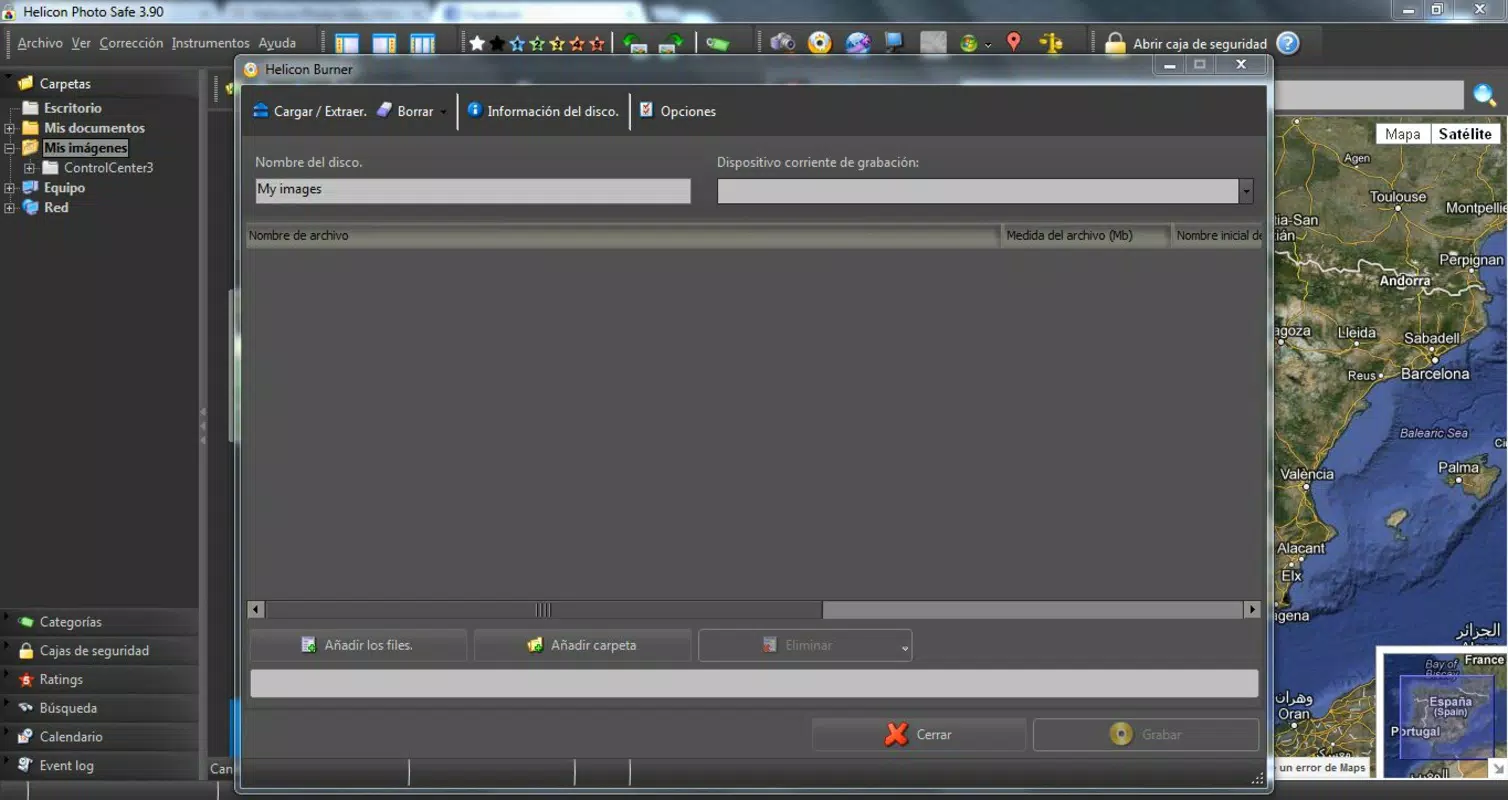
- CD/DVD Burning Capability: The app includes native support for burning photo collections to optical media. This feature ensures data redundancy and long-term preservation, with metadata preserved during the burn process.
These features collectively support real-world workflows such as organizing a wedding photo album, backing up travel images, or sharing a curated portfolio with clients. The integration of privacy and sharing tools within a single interface enhances usability and reduces reliance on multiple third-party applications.
Interface, UX & Performance
Helicon Photo Safe features a clean, intuitive interface designed for efficient navigation. The layout organizes core functions—browsing, tagging, sharing, and securing—into clearly labeled sections, minimizing user confusion. Visual design emphasizes functionality over ornamentation, with a focus on readability and accessibility across different screen sizes.
Navigation is straightforward, allowing users to move between photo libraries, safes, and export options with minimal clicks. The app supports responsive behavior, adapting to various display resolutions and window sizes. Although the developer did not list formal performance metrics, the application’s lightweight footprint of 47.8 MB suggests optimized resource usage.
Stability appears consistent based on the app’s long-standing release history. Users can expect reliable operation during common tasks such as tagging, searching, and burning media. While no performance benchmarks were provided, the absence of reported issues in public forums indicates a stable user experience. Responsiveness during file operations remains adequate for typical use cases, though heavy collections may require sufficient system resources.
Platform Compatibility & Technical Requirements
Helicon Photo Safe is designed for the Windows platform, supporting desktop environments. The current version is 2.5.1, with a file size of 47.8 MB. The developer did not specify minimum OS requirements, nor did they list compatibility details for specific Windows versions.
Although the app is available for Windows, the developer did not disclose whether it supports older or newer versions of the operating system. Users should verify system compatibility before installation. No information was provided regarding hardware requirements, such as RAM or processor specifications. The absence of detailed technical data means that users must rely on standard Windows compatibility guidelines when deploying the software.
Pros and Cons
Pros
- Comprehensive photo organization with tagging, rating, and location-based filtering
- Integrated privacy controls with password-protected safes and encryption
- Direct social media sharing without external browser switching
- Native CD/DVD burning support for reliable data backup
- Lightweight installation size of 47.8 MB
Cons
- Platform limited to Windows; no support for mobile or macOS
- Developer did not provide detailed system requirements
- Version 2.5.1 has not been updated since 2015, raising concerns about long-term compatibility
- No cloud sync or cross-device access features
- Price point of $29.95 may be considered high for a desktop-only tool with no recent updates
FAQ
Is Helicon Photo Safe available for mobile devices?
As of the current release, Helicon Photo Safe is only available for Windows desktop systems. There is no official mobile version for Android or iOS.
Can I use Helicon Photo Safe to back up my photos to external media?
Yes, the application includes built-in support for burning photo collections to CDs and DVDs, preserving metadata during the process.
Does Helicon Photo Safe support cloud storage or syncing?
The developer did not provide information about cloud integration or cross-device synchronization features.
Is the app secure for storing private or sensitive photos?
Yes, the app offers encrypted safes protected by passwords, ensuring that only authorized users can access stored images.
How often is Helicon Photo Safe updated?
The latest version, 2.5.1, was released in 2015. No updates have been issued since then, which may affect compatibility with newer operating systems.
Final Thoughts
Helicon Photo Safe remains a functional tool for users seeking structured, secure, and offline photo management on Windows. Its combination of tagging, privacy controls, and physical backup capabilities delivers tangible value for photographers and individuals managing large image libraries. While the lack of recent updates and mobile support limits its modern relevance, the app continues to serve its core purpose effectively.
Those who prioritize data privacy, offline access, and long-term archival will find the software particularly beneficial. However, users seeking cloud integration, cross-platform access, or modern UI enhancements may find it outdated.
For a one-time purchase of $29.95, Helicon Photo Safe offers a stable, dedicated solution for photo organization and protection. If your workflow is rooted in Windows and you value control over your digital assets, this tool still holds merit.
Download Helicon Photo Safe now


